Diwa Play APK: a flexible Android hub for everyday game sessions
Diwa Play APK gives Android users one route into a broader mobile game hub. Download one checked file, open the lobby and choose a category that fits the available time. This guide follows download, account access, game selection, updates and a clean exit.
Begin with one checked download
Use the current Diwa Play page on the Android phone that will run the app. Keep a stable connection, free storage and one download tab. Several forwarded files can hide an incomplete or duplicate copy.
A simple preparation list
- Charge the phone and close large background downloads.
- Check free storage before tapping the download control.
- Wait until one file finishes before opening it.
- Compare the filename and time with the page you used.

Install the APK without creating a duplicate route
Open the finished file from Downloads and read the Android prompt carefully. If the phone asks Chrome or the file manager to install from that source, allow the specific source only when the filename matches the file you checked. Keep the normal security scan enabled.
If the installer shows an unexpected name or permission, cancel and return to Downloads. A file marked “(1)” or “(2)” may be a second copy, not a new release. Keep the working installation until a replacement opens correctly.
After installation, open Diwa Play and let the home screen finish loading. Use the existing account route and keep any OTP, password or payment PIN private.
Read the game hub before opening a category
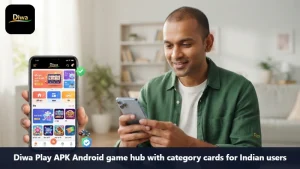
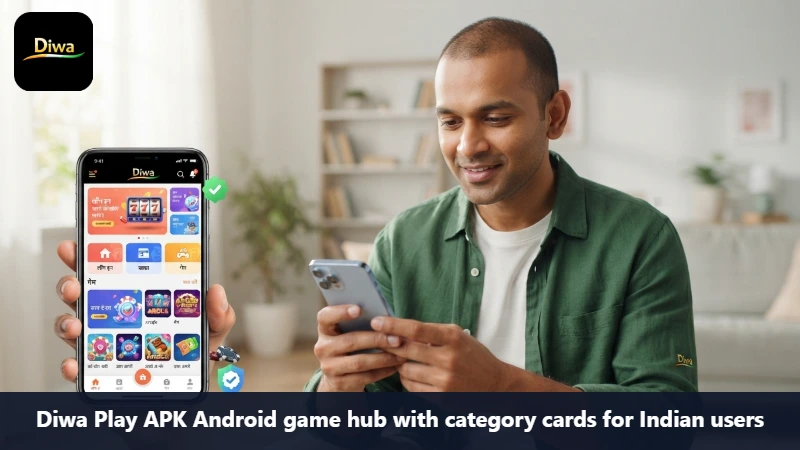
The Diwa Play lobby is easier to use when the categories are read first. A card table needs space for turns and declarations; a reel route uses a different control rhythm; an arcade tile may open a shorter session. Choose one card, wait for the next screen and keep the back-to-home control visible.
Do not treat a previous result, notice or reward panel as a prediction. Read any terms attached to an activity and set a time or spend boundary before opening paid features. A broad hub is useful only when each session remains easy to understand.
Keep the account route consistent
When the login panel reappears, use the existing profile and check the saved contact details before requesting a code. On a shared phone, remove old autofill suggestions and log out after use. Record the device and last working screen if the page returns to the start.
Update and loading checks
An update should come from the current Diwa Play route, not an old chat attachment. Compare filename and download time, then open one installer. If Android refuses the package, check storage, file completeness and a previous copy before uninstalling anything.
For a blank game card, wait for the lobby, close heavy apps and switch once between Wi-Fi and mobile data. Reopen one category. If a wallet request is pending, open history first and follow the original reference.
Diwa Play APK FAQ
Can I use Diwa Play APK on any phone?
The APK route is for Android devices. Use the access method shown for another platform instead of installing an unknown file.
Why does the Diwa Play APK download stop?
Check connection stability, free storage and whether the browser has paused the file. Restart one download after confirming that an older copy is not still running.
What should I do before choosing a game?
Read the category controls, check the current account and review any conditions displayed on the activity. Decide how long you will stay before opening the session.
A balanced Android start
Diwa Play APK is easier to manage when one device, one checked file and one account stay connected. Use the service only where permitted, keep paid play within a planned limit and treat every activity as entertainment rather than guaranteed income. Anyone under 18 should not use real-money features.